Capture ideas quickly
Add todos from the repository workspace, the quick-add popover, or the CLI. Pick the repository and category so each item lands in the right backlog.
propr todo add "Follow up on auth edge cases" --json
propr todo list --json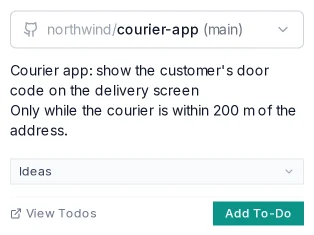

Repository todos hold follow-up changes until you're ready to build them. When a group is ready, select it and send it into planning as a draft prompt.
Add todos from the repository workspace, the quick-add popover, or the CLI. Pick the repository and category so each item lands in the right backlog.
propr todo add "Follow up on auth edge cases" --json
propr todo list --jsonCategories, ordering, completion, and search separate what's ready to build from notes and finished items.
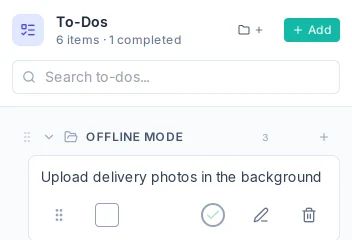
Pick a related set of todos. A focused set makes a focused plan.
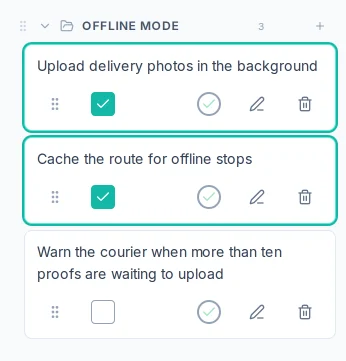
Create plan opens a draft linked to the selected todos.
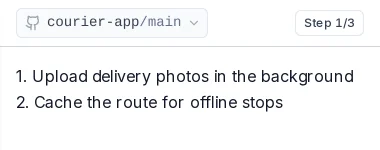
Review the tasks, adjust boundaries, then approve one implementation or split it into smaller pieces.
Repository todos handle capture, categories, ordering, and completion. For a large set, split the prompt into smaller reviewable changes.
A plan draft linked to the todos it came from, ready to refine and implement.